The following instructions refer to processes specific to UFT Communications.
-
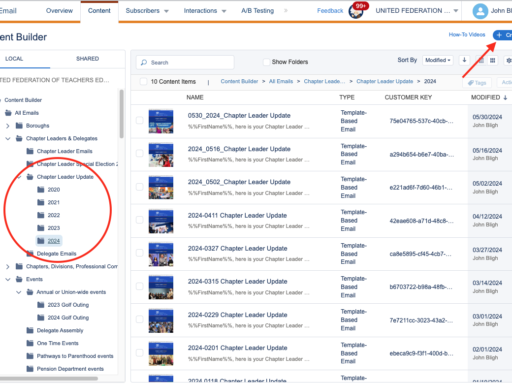
1 – Create the Chapter Leader Update in Marketing Cloud
This tutorial assumes you have basic HTML and Marketing Cloud knowledge. This is part 1 of 3 in a series:…
-

2 – Marketing Cloud Send Instructions
Standard Emails These instructions are based on the creation of the Chapter Leader Update, but can be used as a…
-
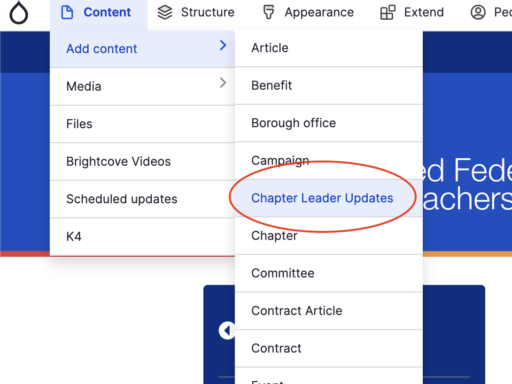
3 – Create the Chapter Leader Update for the web
After the Chapter Leader Update has been created and mailed out to people, you must duplicate it on the website,…
-
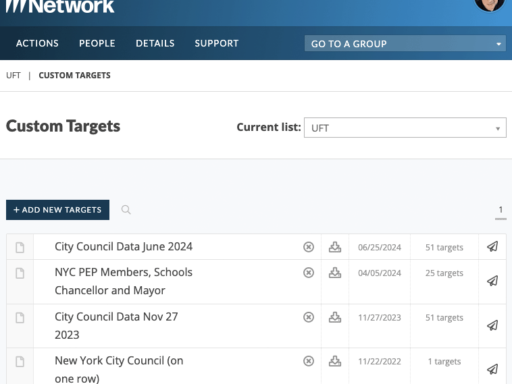
Action Network How-To
Action Network is an AFT-sponsored tool we use to create email campaigns that target legislators. We traditionally use it for: When…
-
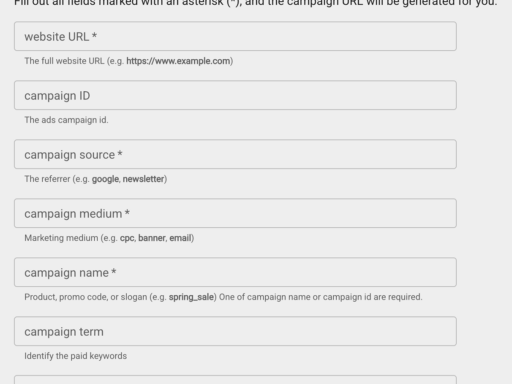
Create a QR Code
We use Google’s Campaign URL Builder in conjunction with Adobe’s QR Code Generator to produce QR codes. These are necessary…
-
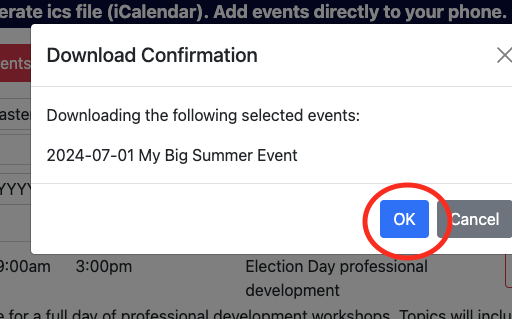
Create an “Add to calendar” link
Instructions on how to create an “Add to calendar” link that can be used in Marketing Cloud emails. Please remember…
-
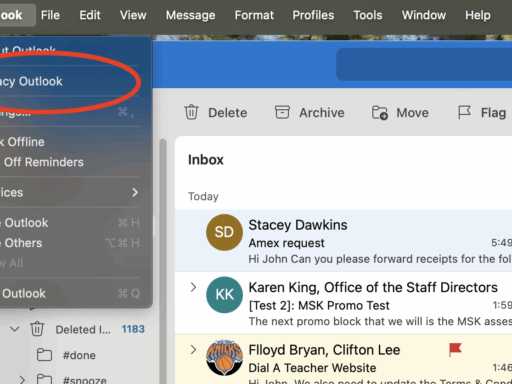
Export your Outlook Mail
The following tutorial explains how to export your mail and save it to your personal One Drive on both Mac…
-

Testimonials (#unionproud) Site Publishing Guide
Access the UFT’s photo account: To access content from the UFT’s photo account, please contact Mike Loverde at mloverde@uft.org. Create…
-
UFT Main Navigation Menu
This is the main UFT Navigation comprised of “Your Rights”, “Your Benefits” and “Your Union”. There’s a few things to…
-
UFT Utility Navigation Menu
This is the UFT Utility Navigation, comprised of “Application Help (disabled)”, “Chapters”, “Get Involved”, “Teaching” and “News”. Application help pages (disabled)…
-

Usability
This section contains basic usability standards and guidelines that should inform any user-interface design whether it’s a website or an…